
Easyteam POS Time Clock In Shopify App
by EasyteamManagement tools for retail employees. Includes time clock for payroll, schedule creation, and sales commission tracking. Time tracking for payroll, point of sale sales commission, and scheduling.
4.9
(300)
Croft Haus, United States
After searching forever to find an app to handle onboarding, scheduling, and running payroll, I finally found EasyTeam! I've been beyond impressed with how easy it was to set-up and use. Also, their customer support is amazing and you actually get to chat with a human. I couldn't recommend this app more!
Install in your Shopify Store

Easyteam POS Time Clock In Charts
Track Easyteam POS Time Clock In's ranking, reviews, and performance over time with interactive charts. See how it compares to similar apps in the same category.
Pros and Cons
Pros and Cons of Easyteam POS Time Clock In
Pros
Exceptional Customer Support: Consistently praised for responsiveness, efficiency, and personalized assistance.
Comprehensive Staff Management: Integrates payroll, scheduling, tasks, and commissions into a single platform.
User-Friendly Interface: Intuitive design makes navigation and setup straightforward for both admins and employees.
Seamless Shopify POS Integration: Smoothly syncs with Shopify POS for in-store employee management.
Cons
Limited Advanced Features: Some users noted missing functionalities like extended schedule views or detailed activity tracking.
Occasional Technical Glitches: Minor issues like clock-in failures or update-related disruptions were reported.
Screenshots
About the App
Time tracking for payroll, point of sale sales commission, and scheduling.
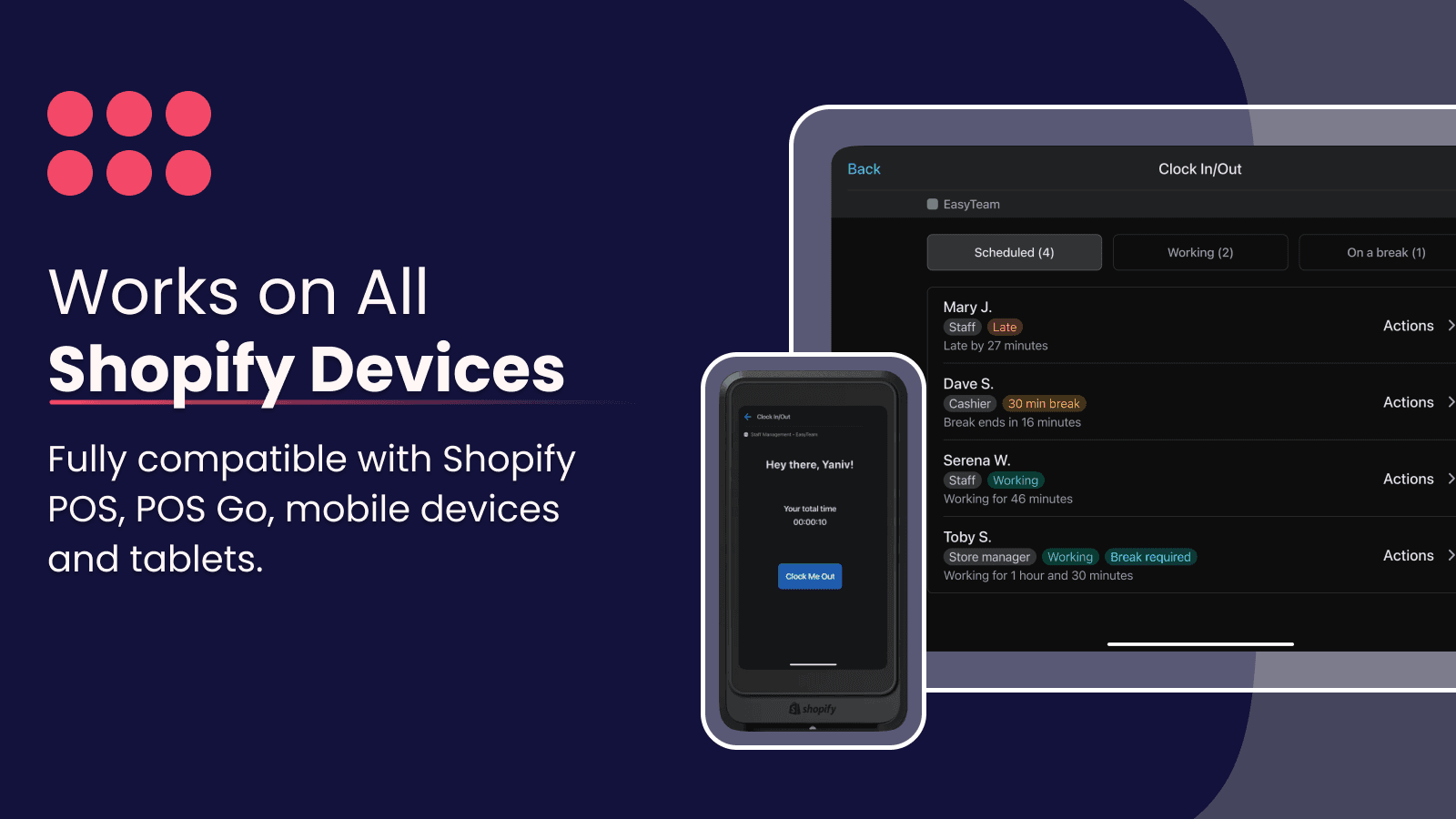
- Convenient Time Tracking: Clock in/out anywhere using your Shopify POS or mobile phone.
- Efficient Scheduling: Quickly and efficiently plan your schedule from any device, even directly from Shopify POS.
- Sales Commission Calculation: Track the sales of your retail employees and compute their commissions.
- Store checklist management: You can handle your store's checklists like opening a store directly from the POS.
- Payroll Flexibility: Supports all kinds of payroll and is ready to process using your preferred method.
Keywords
Key Features
- Track employee hours seamlessly using Shopify POS or mobile devices.
- Create and manage staff schedules directly from the POS interface.
- Automatically calculate sales commissions based on employee performance.
Pricing
Easyteam POS Time Clock In Pricing Plans
Payroll US/CA Only
$0/month
Payroll add-on: $45/mo + $6 per employee
FREE time tracking + basic scheduling
Automated tax filing & direct deposit
Generate paystubs, W-2s, 1099s
US & Canada only
Easyteam Core
$30/month
Time tracking with anti-fraud control
Scheduling management
Checklists task management (+templates)
Automated commission calculations
PTO, break policies and labor compliance
Enterprise
$490/month
All features included
Location managers training sessions
Customized reporting & analytics
Dedicated account manager
Data migrations and API access
Not sure which plan to pick? Discuss Payroll US/CA Only or Easyteam Core plans with us, learn about custom pricing, or get a demo.
Here's an overview of Easyteam POS Time Clock In costs for each of the plan(s):
The app has 3 pricing plans: 1 free and 2 paid. The free plan(s) offered by Easyteam POS Time Clock In: (Payroll US/CA Only). The paid plan(s) offered by Easyteam POS Time Clock In: (Easyteam Core, Enterprise).
The details of the plan(s) are outlined below:
Payroll US/CA Only: This plan is free forever, incurring no subscription costs. It offers a wide range of features like Payroll add-on: $45/mo + $6 per employee, FREE time tracking + basic scheduling, Automated tax filing & direct deposit, Generate paystubs, W-2s, 1099s, US & Canada only.
Easyteam Core: The Easyteam Core plan costs $30 and comes with a 14-day free trial period. The plan offers a host of features, including Time tracking with anti-fraud control, Scheduling management, Checklists task management (+templates), Automated commission calculations, PTO, break policies and labor compliance, HR & sales performance reports, Payroll add-on available (US & CA), Live chat & personal onboarding rep.
Enterprise: The Enterprise plan costs $490 and comes with a 14-day free trial period. The plan offers a host of features, including All features included, Location managers training sessions, Customized reporting & analytics, Dedicated account manager, Data migrations and API access, SLA, Payroll add-on available (US & CA), Priority support.
Easyteam POS Time Clock In Price Summary
| Pricing summary | Free to install. Free trial available. |
| Total Pricing Plan(s) | 3 |
| Number of free plan(s) | 1 |
| Number of paid plan(s) | 2 |
| Cost of Paid Plan(s) | $30, $490 |
| Free trial available | Yes, for 14 day(s) |
For further information regarding Easyteam POS Time Clock In app pricing plans, see the official website.
Easyteam POS Time Clock In Shopify App Discounts
If you are looking for discounts on Easyteam POS Time Clock In app pricing plans, feel free to contact our team - we'd be happy to help! Additionally, if you are an agency or a shop merchant with multiple Shopify stores, we can work directly with Easyteam to secure better deals on the Easyteam POS Time Clock In app exclusively for you.
*Disclaimer: Please note that ShopDigest doesn't guarantee discounts on apps as any changes to the pricing plans are ultimately up to the discretion of the developer.
Testimonials
What our users say about Easyteam POS Time Clock In
“After searching forever to find an app to handle onboarding, scheduling, and running payroll, I finally found EasyTeam! I've been beyond impressed with how easy it was to set-up and use. Also, their customer support is amazing and you actually get to chat with a human. I couldn't recommend this app more!”
“The app does what is supposed to do and helps track our teams hours. I reach out to support to help deactivate a few past employees and Ann took care of it right away for me. Thank you for the quick response and take care of my request.”
“Just downloaded this and such an easy process. Very pleased. Highly reccomend”
Trusted By
Trusted by the best Shopify stores
Croft Haus
United States
Gas Monkey Garage Retail
United States
Pines to Palmettos
United States
Inspiration Co.
United States
Western Lavish Boutique
United States
Man Up
United States
Garlands
United States
Comic Forge
United States
Management tools for retail employees. Includes time clock for payroll, schedule creation, and sales commission tracking.
Made only for Shopify
Shopify POS branded time clock, planning calendars and to-do lists. Monitor sales efficiency and determine retail profits.
Effortlessly monitor hours for payment.
Simplified payroll processing: for hourly or salaried employees, and commissions based on sales in the area. Export and handle Timesheets.
We're Here for You Every Step of the Way
Our support has quickly won the hearts of thousands of users. We happily assist with everything, including using the POS & Stocky.
Comparison
Top Easyteam POS Time Clock In Alternatives Detailed Comparison
The table below highlights the crucial differences between Easyteam POS Time Clock In and similar other Shopify apps based on parameters like ratings, reviews, features, pricing, etc.
Add App | |||
|---|---|---|---|
| General Information | |||
| Ratings | 4.9(304 reviews) | 3.2(390 reviews) | |
| Developed by | Easyteam | Shopify | |
| Launch Date | 10/10/2019 | 8/28/2013 | |
| Pricing | Free, $30/month, $490/month | Free, $89/month | |
| Objective | Time tracking for payroll, point of sale sales commission, and scheduling. | Combine online and physical store sales using Shopify POS. | |
| Categories | Retail, Staff notifications | Retail | |
| Key Features & Highlights | |||
| Purpose | Management tools for retail employees. Includes time clock for payroll, schedule creation, and sales commission tracking. | Shopify POS is just as effective at selling products in person as it is online. | |
| Features List |
|
| |
| Highlights |
| - | |
| User Reviews and Ratings | |||
| Recommended % | 98.8% | 59.2% | |
| Pros |
|
| |
| Cons |
|
| |
| Pricing and Plans | |||
| Total Pricing Plans | 3 | 2 | |
| Free Plan | Available | Available | |
| Free Trial | Yes, for 14 day(s) | No | |
| Technical Information | |||
| Rating | 4.9 | 3.2 | |
| Total Reviews | 300 | 439 | |
| Launch Date | 10/10/2019 | 8/28/2013 | |
| SD Points | 66 | 4 | |
More Details About Easyteam POS Time Clock In
Product Description
EasyTeam is a staff management platform created for retailers using Shopify POS. It facilitates payroll, scheduling, checking tasks, and calculating sales commissions for several retail stores and restaurants, while offering Shopify-based solutions and dedicated customer service.
AI Summary
The app is a comprehensive Shopify staff management solution designed to streamline employee scheduling, time tracking, payroll, commissions, and task management. Its key features include automated payroll calculations, shift scheduling, remote clock-in/out functionality, and sales attribution for commission tracking. The app integrates with payment platforms like PayPal, TransferWise, and Payoneer, reducing manual payroll processing. Strengths include its user-friendly interface, all-in-one functionality, and seamless Shopify POS integration, making it particularly useful for multi-location businesses. A standout aspect is the highly responsive and personalized customer support, often resolving issues within minutes via chat, calls, or video assistance. However, some limitations include occasional scheduling accessibility issues for employees, a need for expanded commission calculation options, and feature requests like extended schedule visibility and staff activity tracking. While generally reliable, rare technical glitches—such as temporary clock-in system outages—have been noted. The app is well-suited for retailers seeking to consolidate staff management tools, though businesses requiring advanced remote workforce monitoring may find some features lacking.
Support
For any questions, concerns, or assistance with Easyteam POS Time Clock In, the dedicated support team is readily available to help.To reach out to the support team, users can send an email to [email protected]. Additionally, Easyteam POS Time Clock In offers a comprehensive FAQ section to address common inquiries and provide self-help resources in their app FAQ section.
Easyteam POS Time Clock In Support Information In A Nutshell:
| Support Email: | [email protected] |
| Contact Number(s): | Not available |
| FAQ Page: | FAQ details |
| Privacy Policy: | Privacy details |
| Language Support: | English |
Integration
The list of top Shopify apps or features or software tools that Easyteam POS Time Clock In seamlessly integrates are given below:
Developer
Looking to install Easyteam POS Time Clock In app on your store?
ShopDigest helps businesses upgrade their Shopify stores by offering easy app installation services.
Why Choose ShopDigest?
- Highly experienced and vetted team for successful app installation
- Assured support and guidance throughout the installation and beyond
- Customized services to meet unique business needs
- 30-day no questions asked refund policy
- Lowest pricing guaranteed (starts at just $10/hour)
Customer Reviews
Easyteam POS Time Clock In has an overall rating of 4.9 stars from a total of 300 reviews on the Shopify app store. Of these, 297 (99.0%) are positive, 1 (0.3%) are neutral, and 2 (0.7%) are negative*.
*Ratings above four stars fall under positive review, three stars reviews fall under neutral, and anything less than two stars falls under negative.
After searching forever to find an app to handle onboarding, scheduling, and running payroll, I finally found EasyTeam! I've been beyond impressed with how easy it was to set-up and use. Also, their customer support is amazing and you actually get to chat with a human. I couldn't recommend this app more!
The app does what is supposed to do and helps track our teams hours. I reach out to support to help deactivate a few past employees and Ann took care of it right away for me. Thank you for the quick response and take care of my request.
Just downloaded this and such an easy process. Very pleased. Highly reccomend
Ann was exceptionally helpful throughout the process. She took the time to understand the problem I was experiencing and worked with me to identify the underlying issue. Her guidance made it much easier to find a solution, and I genuinely appreciated her support and expertise.
Ann was great help and fast to resolve my concerns.
Video Demo and Screenshots
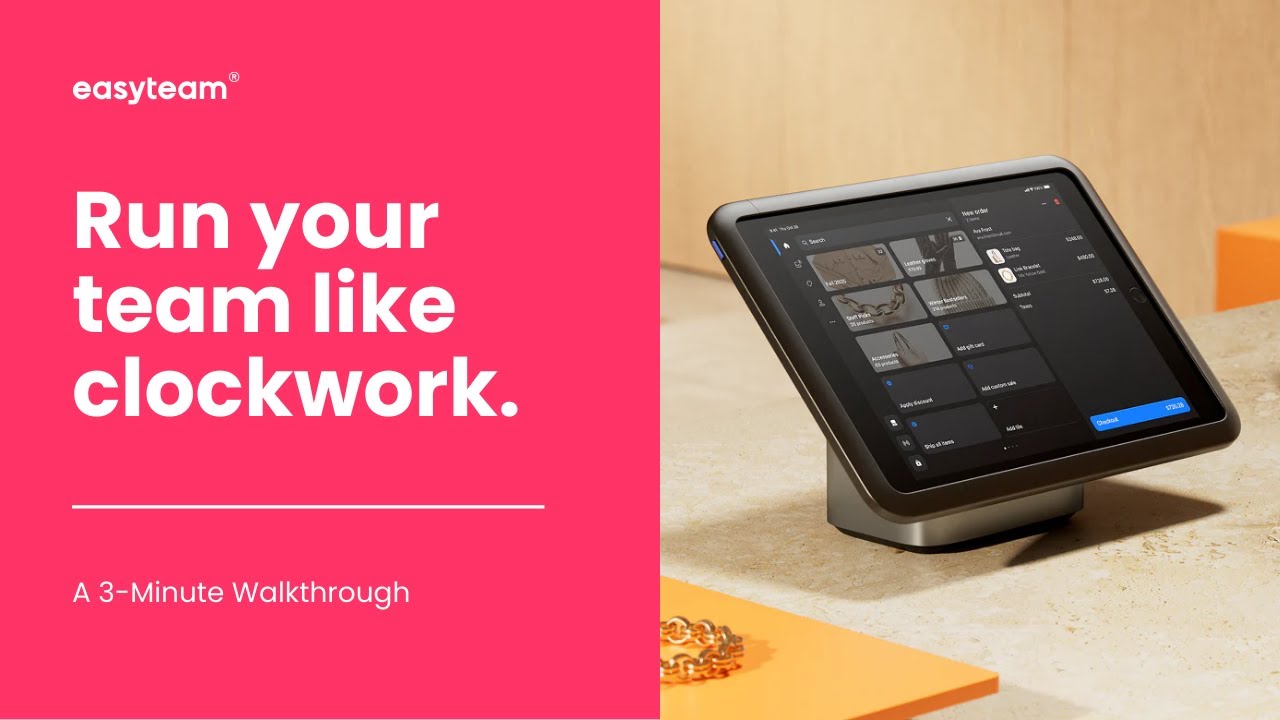
Product Video
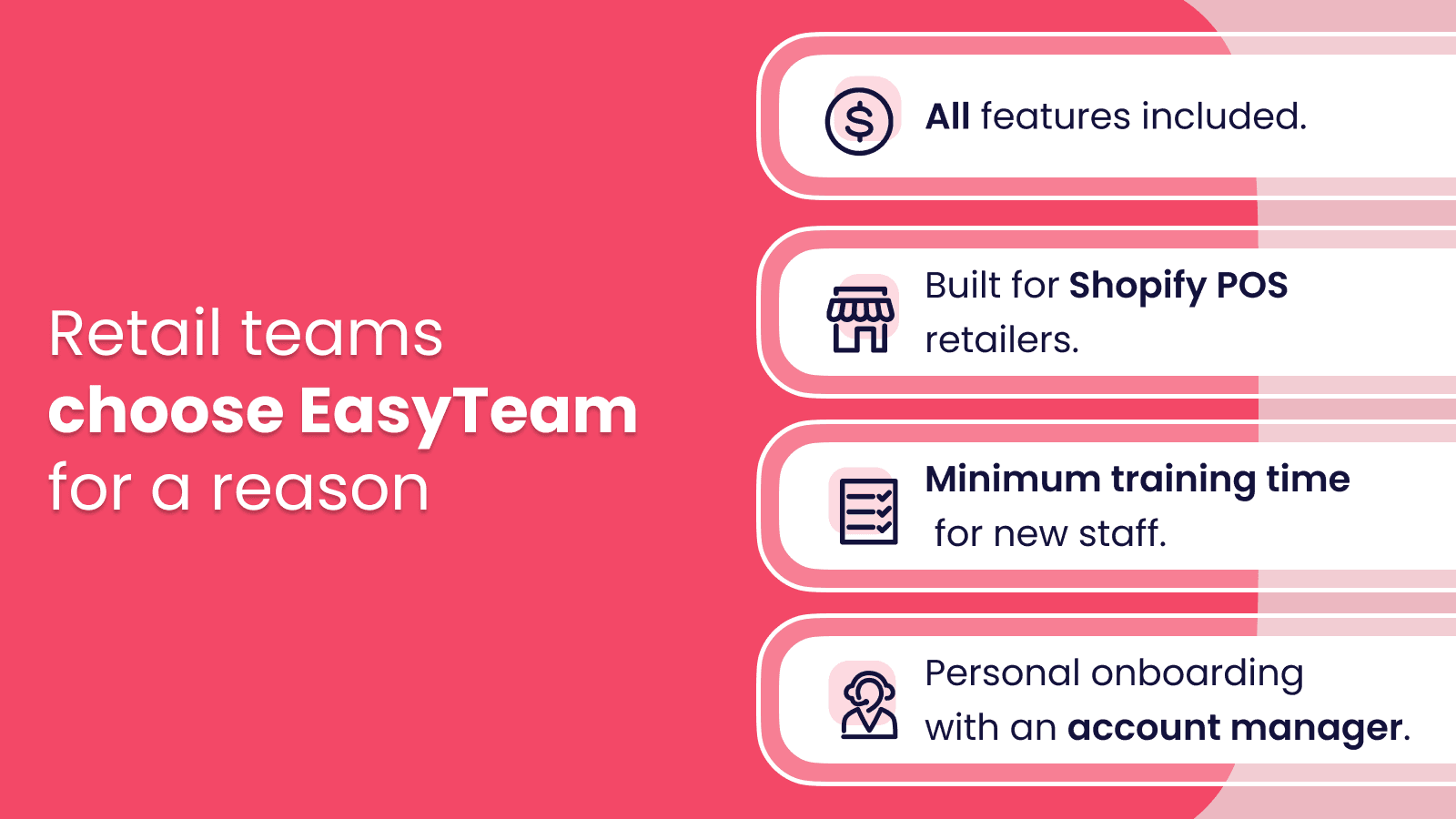
Product Screenshots
Installation Steps
How to install Easyteam POS Time Clock In on your Shopify store
Find your app
Use filters like pricing, availability, and features to find the perfect match for your store's needs.
Get a personalized setup plan
Our team will create an installation plan based on your current store setup, goals, and requirements.
Install at your own pace
Perfect your store's functionality without the pressure to move on until you're ready.
Install in your Shopify Store
Easyteam POS Time Clock In FAQ's
How do I install the Easyteam POS Time Clock In Shopify app?
To install Easyteam POS Time Clock In app on your Shopify store, click on the Easyteam POS Time Clock In installation link. Login to the Shopify store on which you want to install the app and follow the onboarding process.
If you need our expert guidance to help you install Easyteam POS Time Clock In on your Shopify store, then contact us now.
What are the key features of Easyteam POS Time Clock In?
The key features offered by Easyteam POS Time Clock In to Shopify store owners are:
- ✅Clock in and out from any location on Shopify Point of Sale (POS) or mobile.
- ✅Schedule faster and smarter from any device, including the Shopify POS itself.
- ✅Measure sales performance & robust commission plans for your team (+Victa).
- ✅Manage your store's checklists (e.g., opening a store) directly from the POS.
- ✅Run payroll crafted for retail, seamlessly with Easyteam or your own provider.
Does Easyteam POS Time Clock In integrate with other Shopify apps or tools?
Yes, Easyteam POS Time Clock In seamlessly integrates with other Shopify apps or tools, such as Clock in/out anywhere using your Shopify POS or mobile phone., Quickly and efficiently plan your schedule from any device, even directly from Shopify POS., Track the sales of your retail employees and compute their commissions..
Is there a free trial available for Easyteam POS Time Clock In?
Yes, Easyteam POS Time Clock In offers 14 days free trial on all its paid plans.
What are the pricing plans for Easyteam POS Time Clock In?
The app has 3 pricing plans: 1 free and 2 paid. The paid plans cost $30/month, $490/month, and come with a 14-day free trial period.
How does billing work for Easyteam POS Time Clock In?
Easyteam POS Time Clock In uses USD for billing, with recurring and usage-based charges invoiced usually every 30 days.
Can I cancel or upgrade my subscription plan at any time?
Yes, Easyteam POS Time Clock In allows its subscribers to cancel or upgrade their subscription plan at any time.
Does Easyteam POS Time Clock In offer customer support? How can I get assistance?
Yes, Easyteam POS Time Clock In offers a dedicated support team for any kind of app-related assistance. To reach out to the support team, users can send an email to [email protected].
Additionally, Easyteam POS Time Clock In offers a comprehensive FAQ section to address common inquiries and provide self-help resources.
Is Easyteam POS Time Clock In compatible with my Shopify theme?
Please reach out to their support team at [email protected] to confirm its compatibility with your specific Shopify theme.
Alternatives
See all Alternatives to Easyteam POS Time Clock In Shopify App.






Most Popular
Most popular Shopify apps on the market




